Before you start
Chrome with Key Detector installed. The store version may differ from this local beta.
Steps
- Pin Key Detector from Chrome’s Extensions menu.
- Open a normal website tab, play a song and leave that tab selected. Open Key Detector from the toolbar.
- Choose Detect, then Detect Key. Keep the popup open during the 15 or 30 second capture.
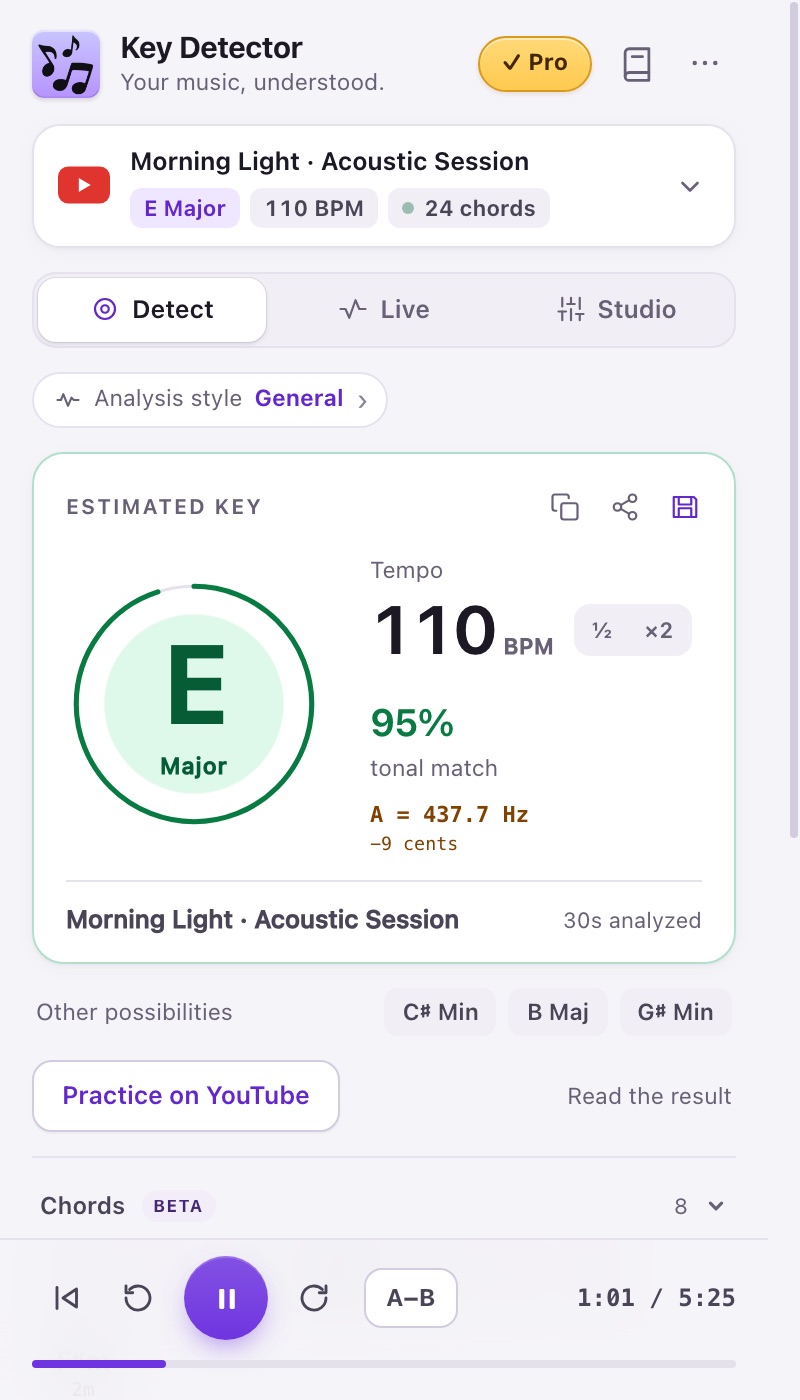
- Read the main key, BPM and alternatives. Try a different musical passage if the result is ambiguous.
Expected result
A result card appears. The audio stays on your device.
If it does not work
Start playback first. Browser settings pages and protected media may prevent capture. Follow the capture help below.
Access
Free: 15/30 second captures. Pro/trial adds 45/60 seconds.